🔐 How to Generate a Strong Password for Free (in 5 Seconds)
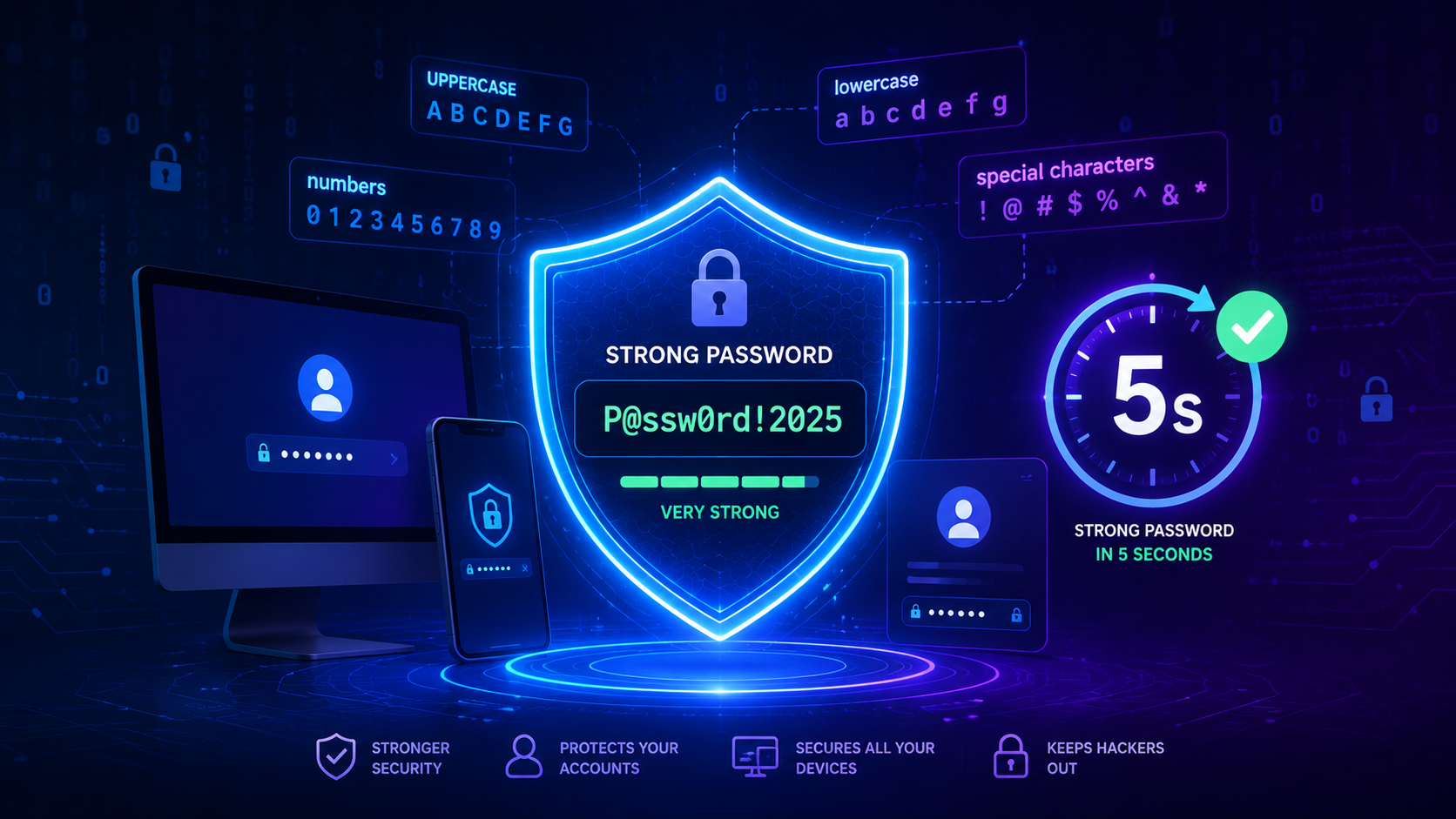
Did you know that 81% of data breaches are caused by weak or stolen passwords? In today's digital world, having a strong password is not just recommended – it's essential for protecting your online accounts, personal information, and financial data.
In this comprehensive guide, I'll show you how to generate a strong password for free in under 5 seconds – no technical skills required, no sign-up, and completely secure.
🎯 Why Do You Need a Strong Password?
| Reason | Impact |
|---|---|
| Protect Personal Data | Prevent identity theft and fraud |
| Secure Financial Accounts | Safeguard your money and banking info |
| Prevent Unauthorized Access | Stop hackers from taking over your accounts |
| Avoid Data Breaches | Reduce risk of your information being leaked |
| Peace of Mind | Sleep better knowing your accounts are safe |
⚠️ Common Password Mistakes (Don't Do These!)
- Using "password123" – First thing hackers try
- Using your birthday – Easy to guess from social media
- Using the same password everywhere – One breach = all accounts compromised
- Using dictionary words – Hackers use dictionary attacks
- Using short passwords – Easier to crack with brute force
- Writing passwords on sticky notes – Anyone can see them
✅ What Makes a Password "Strong"?
A strong password should have these characteristics:
| Characteristic | Example |
|---|---|
| Length: At least 12 characters | MySecurePassword |
| Uppercase Letters: A-Z | MYSECUREPASSWORD |
| Lowercase Letters: a-z | mysecurepassword |
| Numbers: 0-9 | MySecure123 |
| Special Characters: !@#$%^&* | MySecure@123# |
| No Dictionary Words | Avoid "password", "admin", "123456" |
| Unique | Different password for every account |
🛡️ Method 1: Using XToolBoost Password Generator (Fastest & Best)
This is the easiest, fastest, and most secure way to generate strong passwords – completely free and no sign-up required.
Generate Your Strong Password Now
👉 Try Our Free Password Generator →100% Free • No Sign-Up • Completely Secure
Step-by-Step Guide:
Step 1: Open the Password Generator Tool
Visit our free Password Generator tool. It works on any device – desktop, tablet, or mobile.
Step 2: Choose Your Password Length
Select how long you want your password to be. We recommend at least 12 characters for maximum security.
Step 3: Select Character Types
Choose which types of characters to include:
- ✅ Uppercase Letters (A-Z)
- ✅ Lowercase Letters (a-z)
- ✅ Numbers (0-9)
- ✅ Special Characters (!@#$%^&*)
Step 4: Click Generate
Click the "Generate" button and your strong password will appear instantly.
Step 5: Copy and Use
Click the "Copy" button to save your password to your clipboard. Done! 🎉
Total Time: Less than 5 seconds.
Why Choose XToolBoost Password Generator?
| Feature | Benefit |
|---|---|
| 100% Free | No hidden charges, no subscription |
| No Sign-Up Required | Use instantly without creating an account |
| No Data Storage | Passwords are generated locally and never stored |
| Customizable | Choose length and character types |
| Secure | Uses cryptographically secure random generation |
| Mobile Friendly | Works on any device |
| Copy to Clipboard | One-click copy for convenience |
Generate Your Password Now!
Try Password Generator →📝 Method 2: The "Passphrase" Method
If you prefer to create your own password without a tool, here's a simple technique:
Step-by-Step:
-
Think of a sentence you can remember:
"My dog Max loves eating pizza on Fridays"
-
Take the first letter of each word:
"MdMlepF"
-
Add numbers and special characters:
"MdMlepF@2026!"
-
Make it longer:
"MyD0gM@xL0v3sP1zz4!"
- Strength: Easy to remember, hard to guess, 18+ characters
- Weakness: Takes time to create, not truly random
💡 Pro Tips for Maximum Security
1. Use a Password Manager
| Password Manager | Platform | Price |
|---|---|---|
| Bitwarden | All Platforms | Free |
| LastPass | All Platforms | Free (limited) |
| 1Password | All Platforms | Paid |
| Dashlane | All Platforms | Paid |
- ✅ Generates strong passwords
- ✅ Stores them securely
- ✅ Auto-fills passwords
- ✅ Syncs across devices
- ✅ Only remember ONE master password
2. Enable Two-Factor Authentication (2FA)
Add an extra layer of security:
- 📱 Google Authenticator
- 📱 Authy
- 📱 Microsoft Authenticator
- 📱 SMS verification (less secure)
3. Use Different Passwords for Different Accounts
One password per account. If one account is breached, others remain safe.
4. Change Passwords Regularly
- Change every 3-6 months for important accounts
- Change immediately if you suspect a breach
5. Never Share Your Password
Your password is personal. Never share it with anyone – even friends or family.
📋 Checklist: How Secure Are Your Passwords?
If you answered "No" to any question, it's time to improve your password security!
🔍 How Hackers Try to Steal Your Passwords
| Method | How It Works | How to Prevent |
|---|---|---|
| Brute Force | Guessing millions of combinations | Use long passwords (12+ characters) |
| Dictionary Attack | Using common words from dictionaries | Avoid dictionary words, use random characters |
| Phishing | Fake login pages to steal your credentials | Always check the URL before entering passwords |
| Keylogging | Recording your keystrokes | Use password managers, avoid public computers |
| Social Engineering | Tricking you into revealing your password | Never share your password with anyone |
| Data Breaches | Leaked passwords from other sites | Use unique passwords for each site |
📱 Mobile Security Tips
- ✅ Use a password manager on your phone
- ✅ Enable fingerprint or face unlock
- ✅ Don't save passwords in your browser (use a password manager instead)
- ✅ Keep your phone's OS updated
- ✅ Use a VPN on public Wi-Fi
❓ Frequently Asked Questions
At least 12 characters. More is better – 16 or 20 characters for sensitive accounts.
Yes. Every extra character makes your password exponentially harder to crack.
Yes. A good password generator (like XToolBoost's) uses cryptographically secure random generation. It's actually safer than creating your own.
No. Use a password manager instead. If you must write them down, keep them in a secure, locked location – never on a sticky note on your monitor.
Every 3-6 months for important accounts. Immediately if you suspect any security breach.
Never. Reusing passwords is one of the biggest security mistakes. If one account is breached, all accounts with the same password are compromised.
A passphrase is a string of random words (e.g., "correct horse battery staple"). It's easier to remember and just as secure as a random password when long enough.
No. Our password generator works entirely in your browser. Passwords are generated locally and never sent to our servers.
🎯 Summary
| Key Takeaway | Action |
|---|---|
| Use Strong Passwords | At least 12 characters with mixed character types |
| Use a Password Manager | Store and manage passwords securely |
| Enable 2FA | Add an extra layer of security |
| Use Unique Passwords | Different password for every account |
| Generate Random Passwords | Use a trusted password generator |
| Change Regularly | Update passwords every 3-6 months |
📝 Final Thoughts
Your passwords are the keys to your digital life. Don't make it easy for hackers to break in. By following the tips in this guide and using a trusted password generator like XToolBoost, you can create strong, secure passwords in seconds – completely free.
Ready to Secure Your Accounts?
👉 Generate a Strong Password Now100% Free • No Sign-Up • Completely Secure